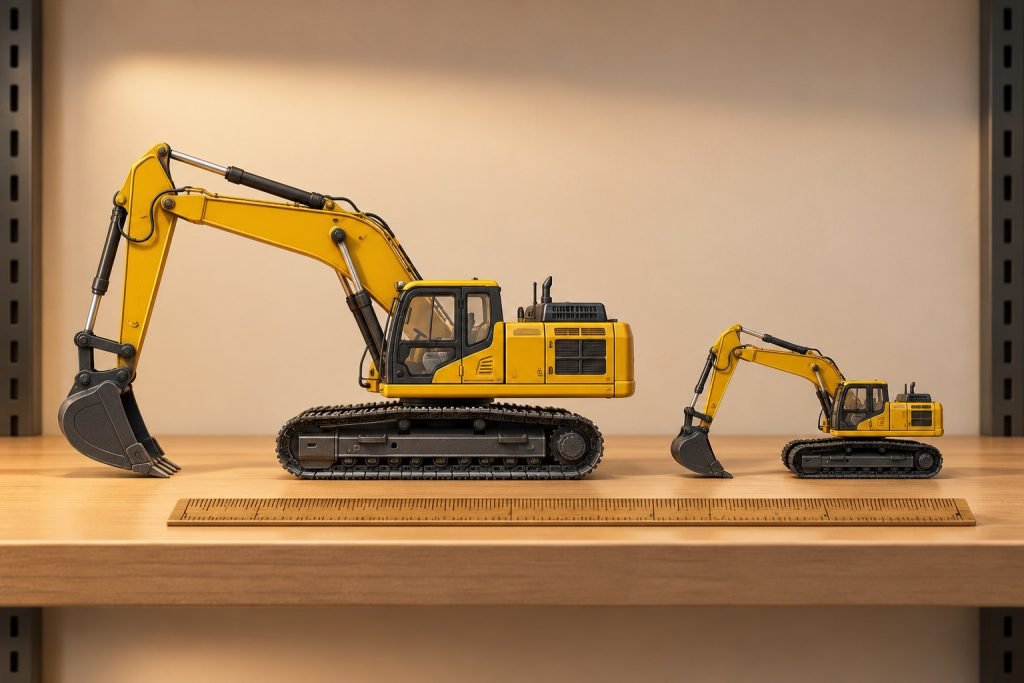
Choose the scale around the space and models already in your display. A small model of a large machine can occupy a similar footprint to a larger-scale model of a compact machine, so physical size alone cannot identify scale.
Start with the scene, not the first bargain
If the collection joins an existing HO layout, begin by checking the layout’s specified scale and the surrounding vehicles. If it is a standalone equipment shelf, make a paper footprint for the largest machine you want to include. Choose one scale for objects that are meant to share the same space.
Use the ratio to expose a mismatch
For the same real object, a 1:50 miniature is 87 ÷ 50 = 1.74 times the linear size of a 1:87 miniature. This is a ratio, not a measurement of two different machines. A 1:50 worker beside a 1:87 loader will therefore change the apparent size of the loader. Check figures, barriers and scenery as well as vehicles.
Compare two actual footprints
The merchant lists the 1:87 CAT 972M at about 4 inches long. That does not make it a small version of every 1:50 loader: it represents a particular machine. Ask for the footprint of the model you intend to pair with it, then draw both on the same sheet. Include steering, bucket position and labels.
Commit to a buying rule
Record the preferred scale in your collection inventory. If you deliberately buy a different scale, assign it a separate shelf or clearly separate scene. This avoids buying a second round of mismatched figures and transport vehicles later.
Exact-model reference: 85949 sample inspection. These examples do not establish behavior for every model.