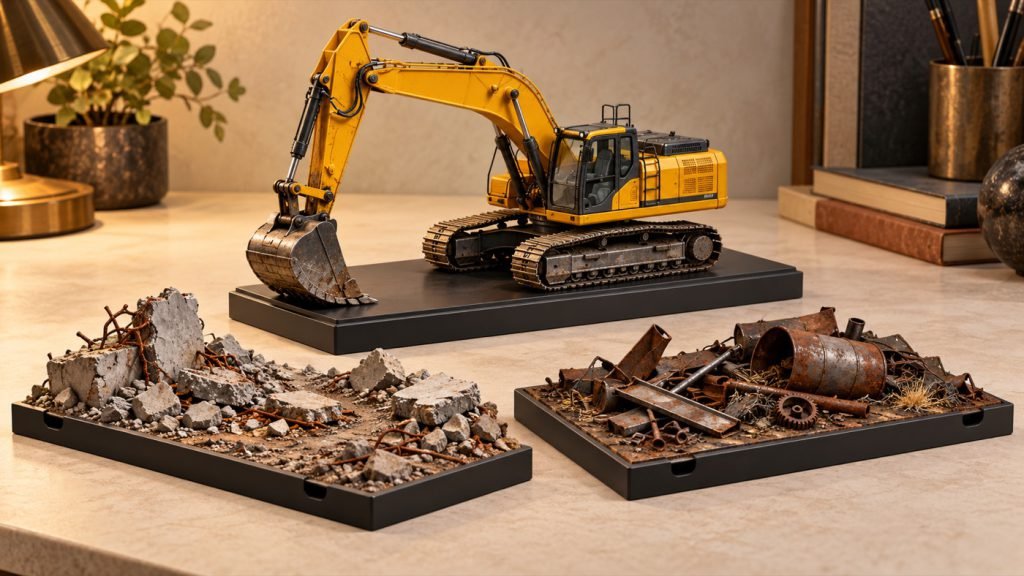
Changing an attachment is less useful if the surrounding scenery only makes sense for the old tool. A removable scene insert lets the model stay in one general location while the work area changes.
Separate the model area from the work area
Stable display area
Keep the model’s normal supporting surface clear and level.
Removable visual insert
Change the material or backdrop that explains the selected tool, without attaching it to the miniature.
A 395 GP tool package can represent a bucket, hammer or shear scene. Plan the insert around the visual contact point; it is scenery, not something the model should strike, grip or support.
Try a paper mock-up
- Mark where the model stands in a documented pose.
- Place a paper rectangle where the insert would sit.
- Check that it can slide out without touching the arm, hoses or rails.
- View the composition from its usual height before making scenery.
Keep any adhesive or permanent scenic work on the separate insert. The purpose is a reversible composition, not modifying the model or making an attachment carry a prop.